
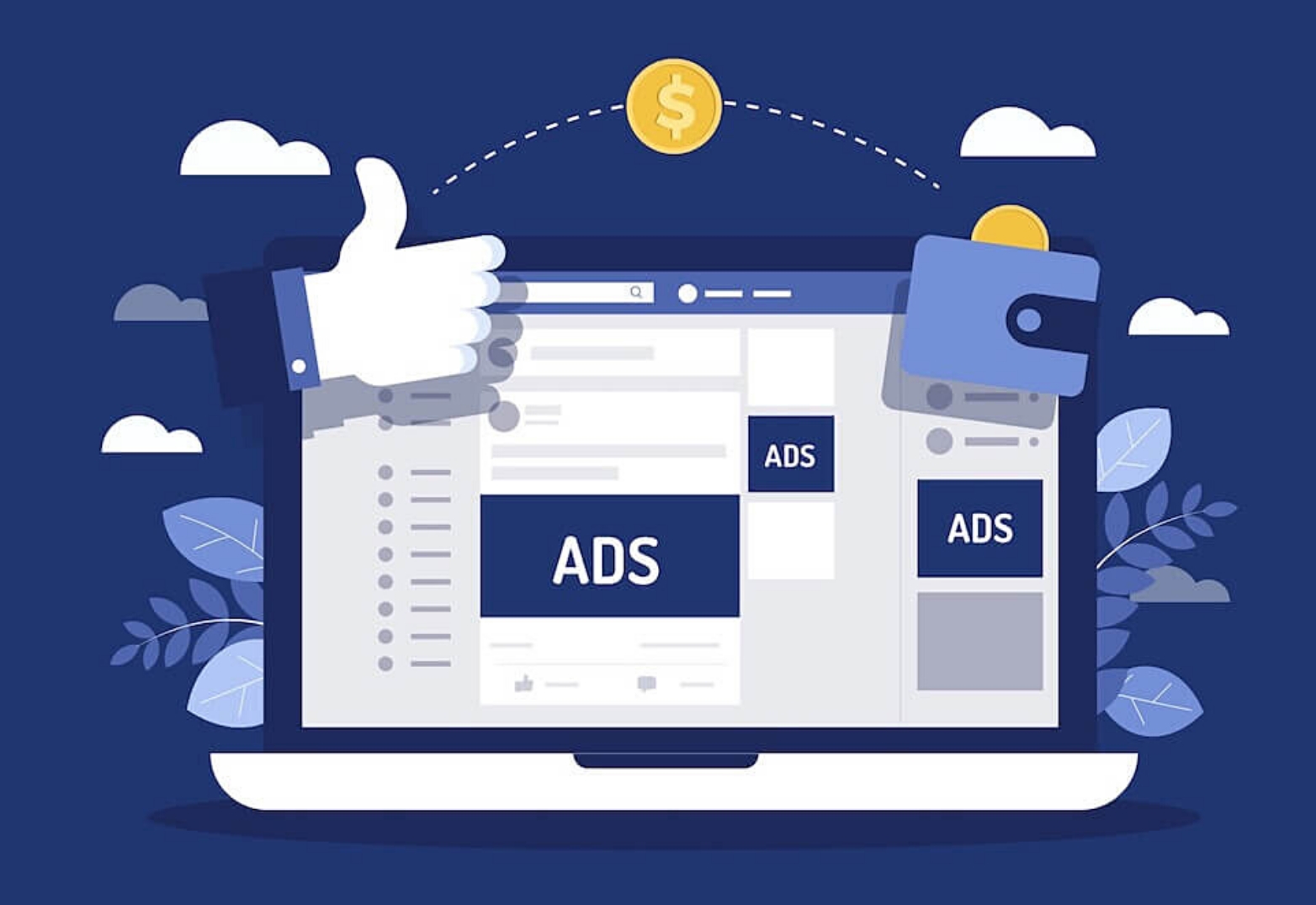
In today’s How to Avoid Losing Money With Facebook Ads post, I’m going to briefly share how you can make Facebook ads work for you but only if you succeed in utilising this highly effective platform’s tools correctly.
How many times have you heard online marketers and business owners say, “Facebook ads don’t work”? In fact, you may have experimented with them yourself and ended up losing a substantial amount of money for minimal results. Frustrated and disappointed you abandon your Facebook marketing strategy. But wait… not everyone fails with Facebook ads.
Let’s look at how to avoid losing money with Facebook ads.
1. Test Your Audiences
The first step you should take is to define your target audience. I can’t stress how important this step is. If you don’t take time to do your research on this you’re going to struggle to make your ad successful. Your target audience will differ depending on your industry and business type and who you’re trying to reach with your ad.
Facebook gives you numerous factors to consider when it comes to selecting an audience for your first ad. These include:
- Demographics – age, gender, occupation, job title, level of education, and so on.
- Interests – hobbies, interests, and likes.
- Behaviours – patterns frequently followed, e.g., purchases, website visits, and using a specific device.
It’s tempting to create a generic ad and try to target a broader audience. However, a campaign that is not targeted at particular individuals will probably not do much for your ROI. A more effective strategy is to create a specific ad in your niche. Focus on a smaller number of people that fit your target audience criteria. A targeted ad is more inclined to attract and engage people because it will be tailored specifically to that audience and their needs and wants. You want to speak directly to them, and your ad must resonate with them in order for them to take action.
Remember – While you’re creating your ad you must make sure you answer two important questions, i.e., “who will be seeing this ad?” and “what is the ad’s message?”
When you first start trying to figure out who your target audience is, it can be a bit of a challenge. There’s lots to think about. It might involve elements of guesswork and analysing your competition. However, audience testing is a critical component for long-term success in targeting.
How to Test Your Audience
Often, even after you’ve spent hours creating and tweaking your ad it can still fail miserably. So, you’ll need to create several separate ad sets and test them with your target audience to get an idea of which one works the best. I’d suggest creating at least 8 to 10 different sets and monitor each one’s performance using your Ads Manager.
It’s vital to follow the precise layout of the Facebook ad setup, which has three levels – campaign, ad sets, and ads. You start by selecting the aim and name of your campaign. At the ad set level your target audience is selected along with the budget and a few other options. Your actual ad design is done at the ads level.
Facebook allows you to use up to six images for each ad. Once the ad is live Facebook automatically rotates these images. This means that your targeted audience will see all variations of your ad. The one which receives the most interest and engagement will eventually be shown more. Therefore, creating a variety of different ads, testing them with your audience and analysing your stats is crucial.
It’s important to monitor the performance of each ad. Is your target audience clicking the link to go to your page, engaging in your posts, or buying your products or services? Check which ads are performing the best, keep them and dismiss the rest.
2. Utilise Lookalike and Custom Audiences
As some of your ads start to perform, you’ll notice that you can actually create custom and lookalike audiences. You can do this by clicking the audiences tab where you can select from custom or lookalike audiences.
Custom audiences are essentially “warm audiences”. They’re a specific group of people who have already engaged with your brand and who are already familiar with your business. You can choose to market your ad to people based on several factors. These include those who have interacted with your posts, visited your website or watched your videos for a certain amount of time. This strategy allows you to deliver a more direct approach with your ad resulting in a better ROI and more conversions.
Lookalike audiences are different from a custom audience in that they are a new group of people who haven’t heard of your business before, but they have similar characteristics to those in your existing audience. Creating a lookalike audience is a way for you to discover and reach a completely new group of people. You must have 100 members or more in your custom audience before you can create a lookalike audience.
3. Ensure Facebook Pixel is Working Properly
Facebook Pixel is a super useful analytics tool that you can use to track audiences who visit your webpage and then communicate that info to Facebook, allowing them to update your advertising algorithms. You simply embed the code on your webpage and let it track the traffic. Now sometimes implementing the pixel can be confusing but persevere because they make your advertising campaigns so much more effective.
In addition, Facebook lets you create custom conversions by selecting a completion page and naming the conversion. This is really powerful. For example, your completion page could be a thank you page which people are directed to when they’ve made a purchase.
Hop over to your pixels tab in Events Manager, click Create a Pixel, name your pixel, enter your website URL to find easy set up optins and make your choice. Then copy the code and paste it into your own website. If you don’t have the technical ability to do this then you can easily find an outsourcer to this for you on places like Fiverr at a reasonable cost. Now your tracking is in place Facebook will optimise and continuously work to boost your ad performance.
Pixels will work to track behaviours on your website outside of Facebook. For example, they will track actions such as visits, clicks, sign-ups, and purchases. It’s essential to sync up your website using this tool. If you’re using Facebook pixels and you haven’t seen a steady improvement in your ad performance, then it’s vital that you adjust your pixel.
3 tips to help you get that all important engagement on your ads.
1. Advertise Discounts and Offers
Many people tend to avoid new products. Why? Because they have a worry about wasting their money. This psychological concept is called loss aversion. People are more afraid of losing things than of gaining things. To overcome this roadblock, you can offer free products, discount vouchers, “Buy One Get One Free” promotions and free delivery. In addition, you could run weekly or monthly free giveaways if finances allow. These strategies will ensure that potential customers are interested in your ad and if the offer is attractive to them, they’ll be more likely to contact you.
2. Stand Out from the Crowd
On a platform that is literally running hundreds of thousands of ads daily you must create an exceptional, unique, eye-catching design to make your ad stand out from the rest. With so many ads featured it has become more difficult to grab people’s attention. Your objective with your ad is to stop your prospects in their tracks when they’re scrolling down their news feed.
What works for one person doesn’t always work for another so it’s important to test your ads as mentioned before. However, using a simple design, high-quality colourful and attractive images, in keeping with the content of your ad, gives you a higher possibility of being noticed and ultimately getting your ad clicked on.
3. Apply the Call-to-Action (CTA) Feature
As well as being appealing, your ad you should make it super easy for people to get in touch with you. Actually, Facebook offers a clickable CTA button making it possible for your audience to call or message you directly. It’s really important to have this feature enabled.
I hope you’ve found value in my How to Avoid Losing Money With Facebook Ads post. The truth is that Facebook ads CAN and DO work. However, it’s critical you use all the tools that Facebook provides.
Having prior experience of running Facebook ads I can tell you that this is no easy task. You don’t have to be a marketing expert to achieve some level of success, but it’s certainly beneficial as the whole ad creation process can be overwhelming.
The good news is that if you’re not confident about your ability to manage all this yourself there are programs out there that can help you. Check out Automated Ads. This Facebook Ad management system streamlines the management of multiple ad sets and greatly increases your possibility of success without losing your money.
To Your Success!


